How to ensure a secure hotel booking workflow: safe stays

Updated: Apr 22

Picture this: you have spent an hour comparing rooms, reading reviews, and finally settling on the perfect hotel for your trip. You enter your card details, hit confirm, and receive a receipt that looks slightly off. The email address is wrong by one letter. The phone number goes nowhere. You have just handed your payment details to a fraudulent site. This scenario is far more common than most travellers realise, and it happens to business professionals just as often as leisure guests. This guide walks you through a clear, step-by-step workflow to book hotel accommodation securely, from preparing your device to confirming your reservation safely.
Table of Contents
Key Takeaways
Point | Details |
Device and network safety | Always start your booking process with an updated device and secure internet connection. |
Verify platforms | Only use trusted hotel websites or OTAs, and look for security features like HTTPS and correct domains. |
Secure payments | Choose PCI DSS compliant gateways, utilise virtual cards, and avoid transfer or gift card payments for maximum safety. |
Booking confirmation steps | Confirm your booking through multiple channels and keep records to counter any fraud or mistakes. |
Phishing prevention | Stay vigilant against suspicious emails and never click unsolicited links by verifying directly with the hotel. |
Essential prerequisites for secure hotel booking
Now that you understand the risks, the first step is ensuring your device and network are secure before you even start searching for hotels. A secure booking workflow begins long before you type a hotel name into a search engine. Think of it like checking your seatbelt before driving: the preparation is what keeps you safe.
Here is what you need to have in place:
Update your device software before booking. Outdated operating systems and browsers contain known vulnerabilities that fraudsters actively exploit.
Use a VPN on public WiFi. Coffee shops, airports, and hotel lobbies are prime hunting grounds for data interception. A VPN encrypts your connection.
Disable auto-fill for payment details. Auto-fill is convenient but dangerous on unfamiliar sites. Enter card details manually each time.
Use a dedicated password manager to generate and store strong, unique passwords for booking accounts.
Clear your browser cache after completing any booking on a shared or public device.
The table below summarises the key tools and checks to have ready:
Tool or check | Why it matters | Recommended action |
VPN | Encrypts public WiFi traffic | Enable before searching |
Password manager | Prevents weak or reused passwords | Set up before creating accounts |
Updated browser | Patches known security flaws | Update before booking |
Two-factor authentication | Adds a second login layer | Enable on all booking accounts |
Antivirus software | Detects malicious sites | Run a scan before booking |
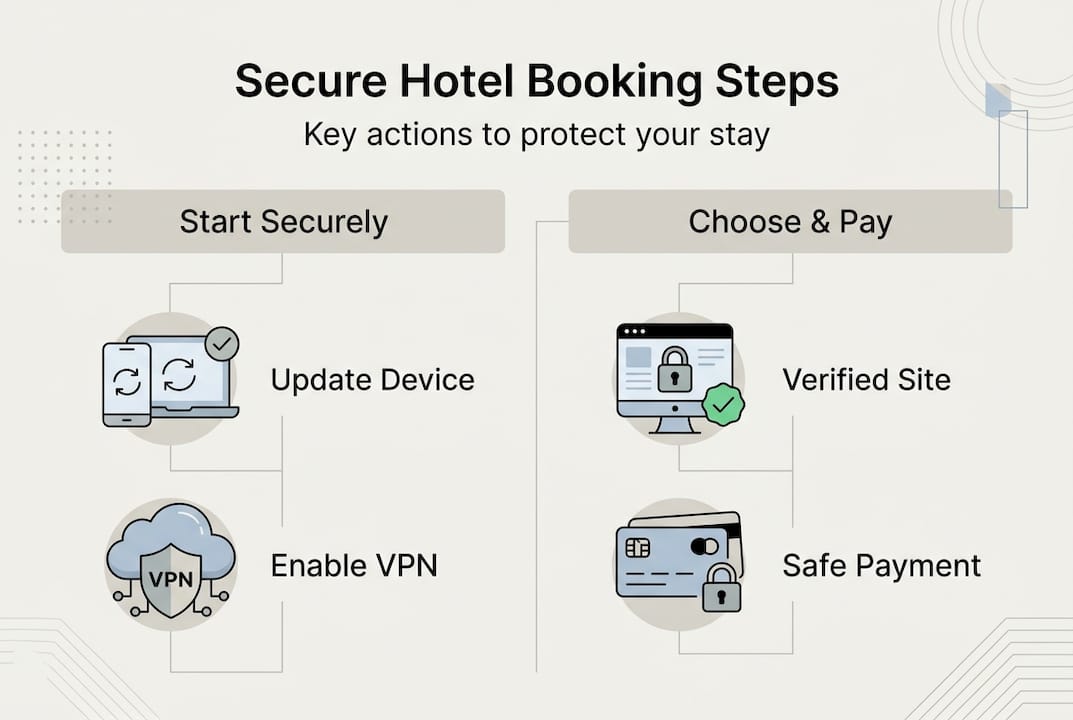
Pro Tip: Use a browser extension such as HTTPS Everywhere or a reputable ad blocker. These tools flag insecure connections and block malicious adverts that often mimic legitimate hotel booking pages. You can also review secure booking online steps and safe hotel booking steps for additional preparation guidance.
Choosing trustworthy hotel booking platforms
With a secure device and network, your next priority is finding a trustworthy website to start your hotel booking process. Not every site that appears in search results is legitimate. Fraudulent platforms are designed to look convincing, and the differences can be subtle.
Legitimate booking platforms share several consistent features. Verified platforms include direct hotel websites, well-known online travel agencies such as Booking.com and Expedia, and sites displaying a valid HTTPS padlock with the correct domain name. Always type the URL directly into your browser rather than clicking on adverts.
Here is a comparison of genuine versus fraudulent booking site features:
Feature | Genuine site | Fraudulent site |
URL format | Correct domain, HTTPS | Misspelled domain, HTTP |
Contact details | Verifiable phone and address | Vague or missing contact info |
Payment options | Cards, secure gateways | Wire transfers, gift cards |
Reviews | Verified, consistent | Generic, unverifiable |
Cancellation policy | Clearly stated | Absent or vague |
Warning signs to watch for:
Prices that seem dramatically lower than everywhere else
Requests for payment via bank transfer or gift card
No verifiable physical address or customer service number
Pressure tactics urging you to book within minutes
“Fraudulent hotel booking sites are increasingly sophisticated, often mirroring legitimate platforms almost exactly. Always verify the domain character by character before entering any personal or payment information.”
For further guidance on what to look for, our hotel booking tips and hotel booking terms pages offer practical, up-to-date advice.
Step-by-step: Secure hotel booking workflow
Once you have a reputable platform, follow these secure steps to book your hotel without exposing your information.
Search for availability. Enter your dates and destination. Use the hotel’s official site or a trusted OTA. Reservation systems process your search, check room availability, and return results in real time.
Select your room carefully. Read the room description, check what is included, and confirm the rate matches what was advertised.
Create or log into your account securely. Use a strong, unique password. Enable multi-factor authentication (MFA) immediately. MFA means that even if your password is stolen, a second verification step blocks unauthorised access.
Review the cancellation and refund policy before proceeding. Policies vary widely, and understanding them protects you if plans change.
Read guest reviews. Verified reviews reveal patterns that marketing copy never will, from noise levels to check-in reliability.
Enter your personal details carefully. Double-check every field. Errors here can cause issues at check-in.
Proceed to the payment page only when you are confident the site is legitimate and your connection is secure.
PCI DSS (Payment Card Industry Data Security Standard) is the global framework that governs how hotels handle your card data. PCI DSS requirements include 12 core controls: firewalls, no default passwords, encrypted data in transit, MFA, and continuous monitoring. When a hotel or platform is PCI DSS compliant, your card details are handled within a rigorously controlled environment.
Pro Tip: Before booking, check the booking process guide and, for group travel, the group hotel booking steps resource. Group bookings carry additional risks if not managed through verified channels.
Secure payment and confirmation process
After entering your details and choosing your room, making a secure payment and checking your confirmation completes the booking process.
Here is how to pay securely:
Confirm the payment page uses HTTPS and displays the padlock icon before entering any card details.
Choose a PCI DSS compliant payment gateway. Secure payment gateways use tokenisation and TLS/SSL encryption, meaning your actual card number is never stored by the hotel.
Use a credit card or virtual card. Credit cards offer zero-liability protection in most cases. Virtual cards generate a one-time number, limiting your exposure significantly.
Avoid wire transfers and gift card payments under any circumstances. These are irreversible and a hallmark of fraud.
Save your confirmation details. Screenshot the booking summary, save the confirmation email, and note the booking reference number.
Tokenisation is worth understanding. Rather than storing your card number, the system replaces it with a randomised token. This means that even if a hotel’s database is breached, your actual card details are not exposed. Tokenisation reduces fraud by approximately 42%, making it one of the most effective protections available.
After payment, take these confirmation steps:
Check your email for a booking voucher with the hotel name, dates, and reference number
Call the hotel directly to verify the reservation exists on their system
Monitor your bank statement in the days following the booking for any unexpected charges
Keep all correspondence until after your stay is complete
Advanced tips and troubleshooting for security
Even after your booking is confirmed, there are further steps and common pitfalls to watch out for, especially for business travellers and those booking through OTAs.
Phishing attacks targeting hotel bookings are a growing concern. Booking-themed phishing via OTA emails, fake confirmation messages, and virtual credit card (VCC) fraud in business-to-business bookings are among the most reported threats. Fraudsters send emails that appear to come from Booking.com or Expedia, asking you to re-enter payment details or confirm your reservation via a link.
How to protect yourself:
Never click links in unexpected booking emails. Go directly to the platform’s website by typing the URL yourself.
Verify sender email addresses character by character. Fraudulent addresses often differ by a single letter or use a different domain extension.
For business travel, use virtual cards with API verification to prevent ghost bookings, where a reservation appears confirmed but does not actually exist.
Report phishing attempts to the platform and to your national cybercrime reporting service.
“Hotel and travel-themed phishing emails are among the most convincing in circulation. They replicate branding, formatting, and tone almost perfectly. The only reliable defence is to never act on an email link and always verify independently.”
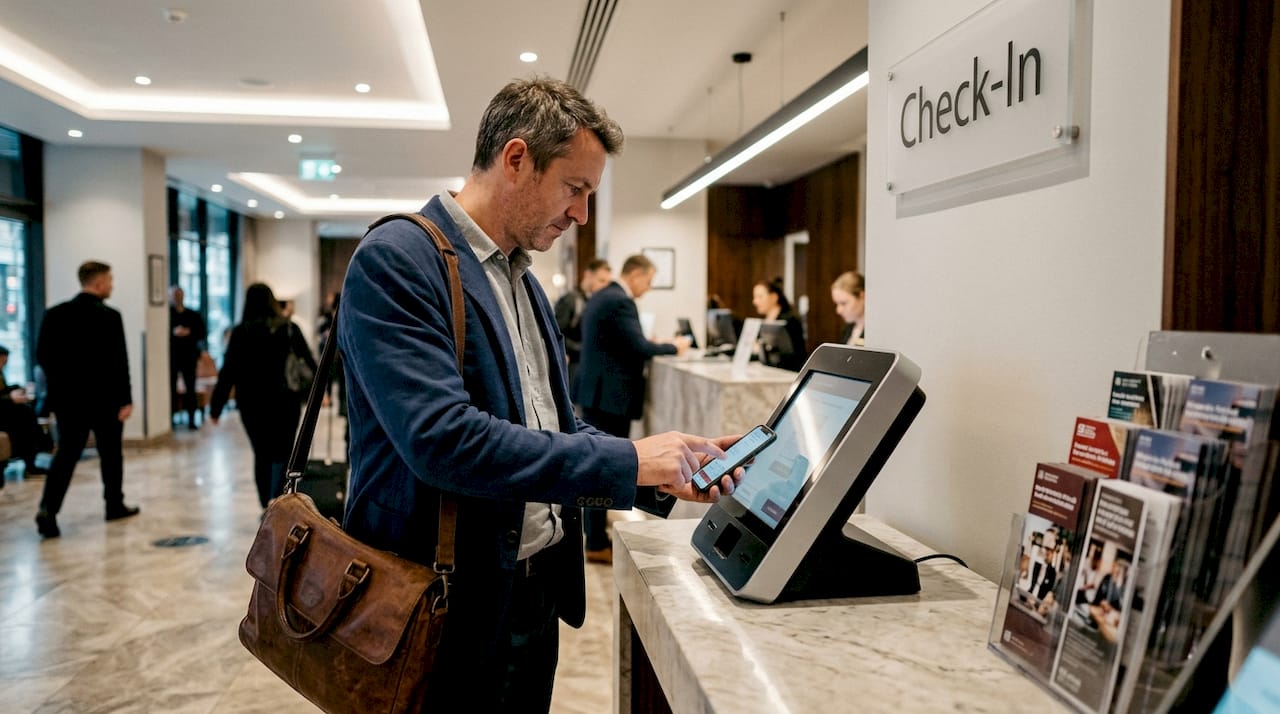
Digital check-in adds another layer of protection post-booking. Mobile check-in systems use ID verification and encrypted digital authentication, reducing the risk of identity fraud at the property itself. For business travellers especially, this removes the need to hand over physical documents at a busy reception desk. Explore digital check-in tips to understand how this works in practice.
Pro Tip: Set up a dedicated email address solely for travel bookings. This limits your exposure if a platform is breached and makes it far easier to spot unexpected messages that do not belong.
Stay safe with Stag & Barrel: Secure booking made simple
Following a secure hotel booking workflow protects your money, your personal data, and your peace of mind. At Stag & Barrel, we have built our reservation process around exactly these principles, so you can focus on your stay rather than your security.
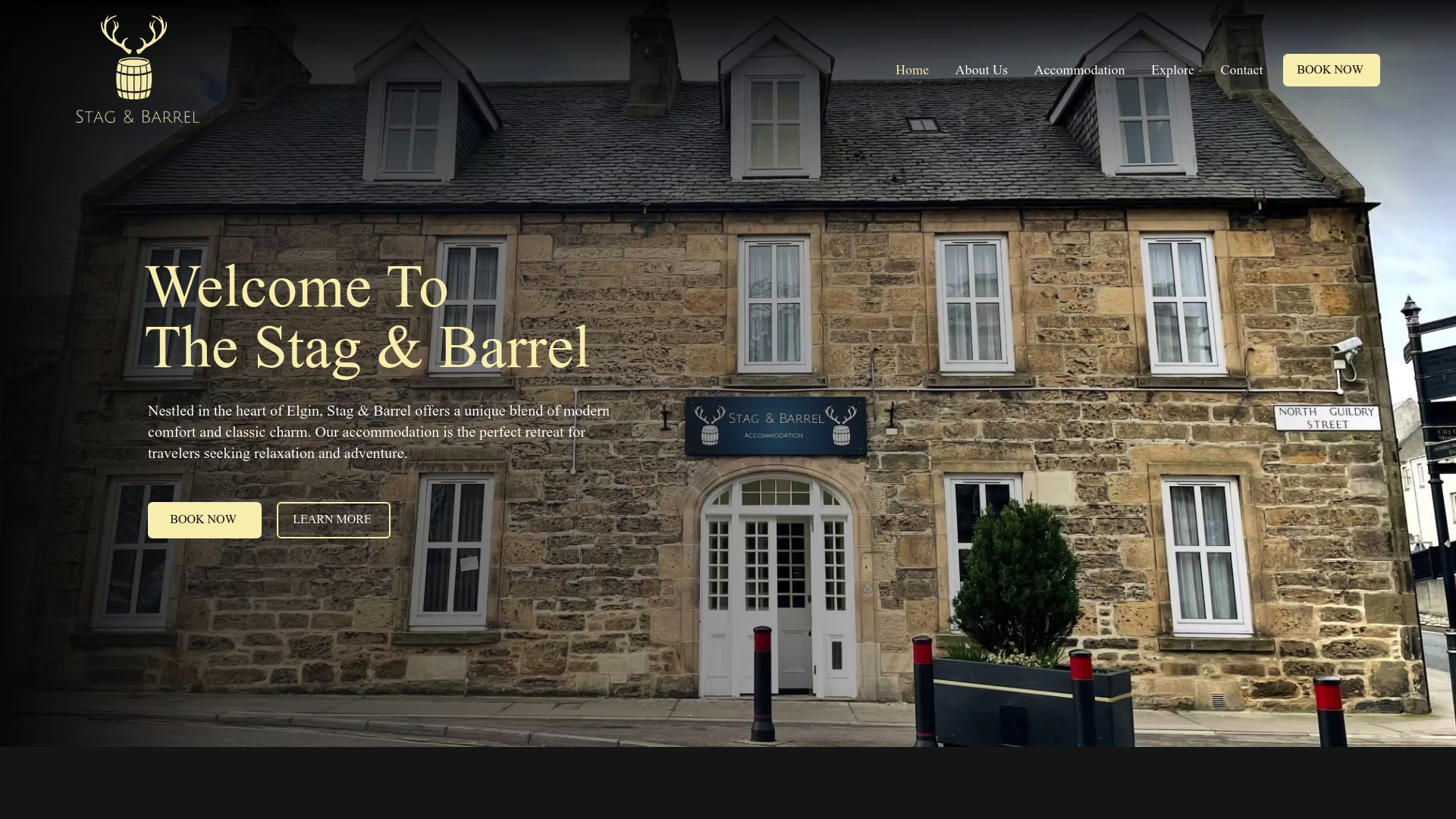
Our secure booking at Stag & Barrel uses trusted, encrypted payment processing and clear confirmation steps at every stage. Whether you are travelling for business or leisure, you will find straightforward policies, verified contact details, and a team you can actually reach. Take a look at our accommodation options and book with confidence, knowing that every step of the process has been designed with your safety in mind. Your next stay should be memorable for all the right reasons.
Frequently asked questions
How can I spot a fake hotel booking website?
Always check for HTTPS and the padlock icon, verify the correct domain spelling, and avoid clicking on sponsored adverts or unsolicited links that lead to booking pages.
What is PCI DSS and why does it matter for hotel bookings?
PCI DSS is a global payment security standard; hotels that comply must meet 12 core requirements including encryption and MFA, which directly protects your card details during and after booking.
Is using a virtual card safer for business travellers?
Yes, virtual cards with API verification prevent ghost bookings and significantly limit fraud exposure, making them the preferred option for business travel payments.
What should I do if I receive a suspicious email after booking?
Do not click any links; instead, go directly to the booking platform’s website, verify your reservation independently, and report the phishing attempt to the platform and relevant authorities.
Does digital check-in provide extra security?
Mobile check-in systems use encrypted ID verification and digital authentication, adding meaningful security layers that traditional front-desk check-in does not offer.
Recommended


Comments